Personalise — colours, themes, text size
Five accent colours, four themes, four text sizes and per-alert notification toggles — everything applies live and persists. Amber always means transmit.
The Look item on the rail opens the Personalise panel. Everything in it applies live — no restart — and persists.
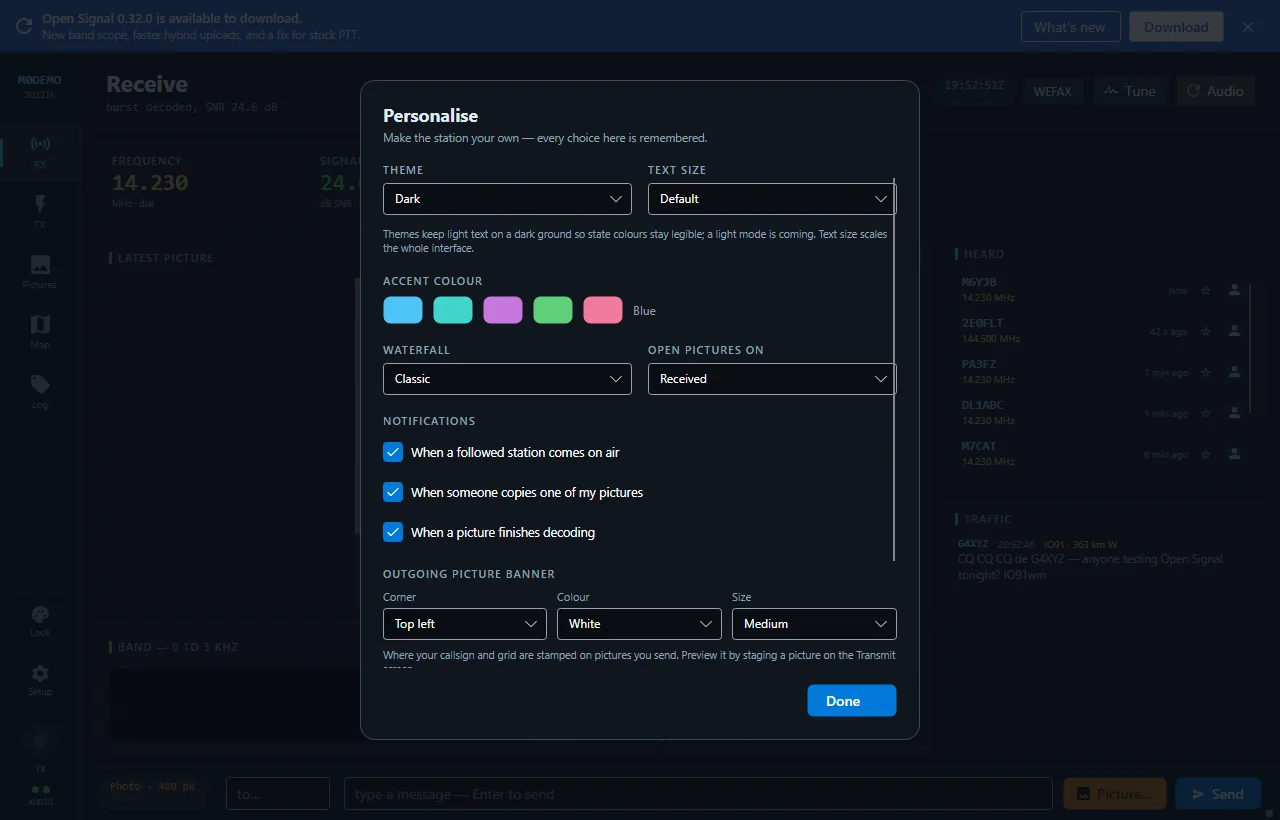
Accent colour
Blue, Teal, Violet, Green or Rose — recolours callsigns, headings and primary buttons throughout. The amber transmit colour never changes: amber always means “this keys the transmitter”.
Theme
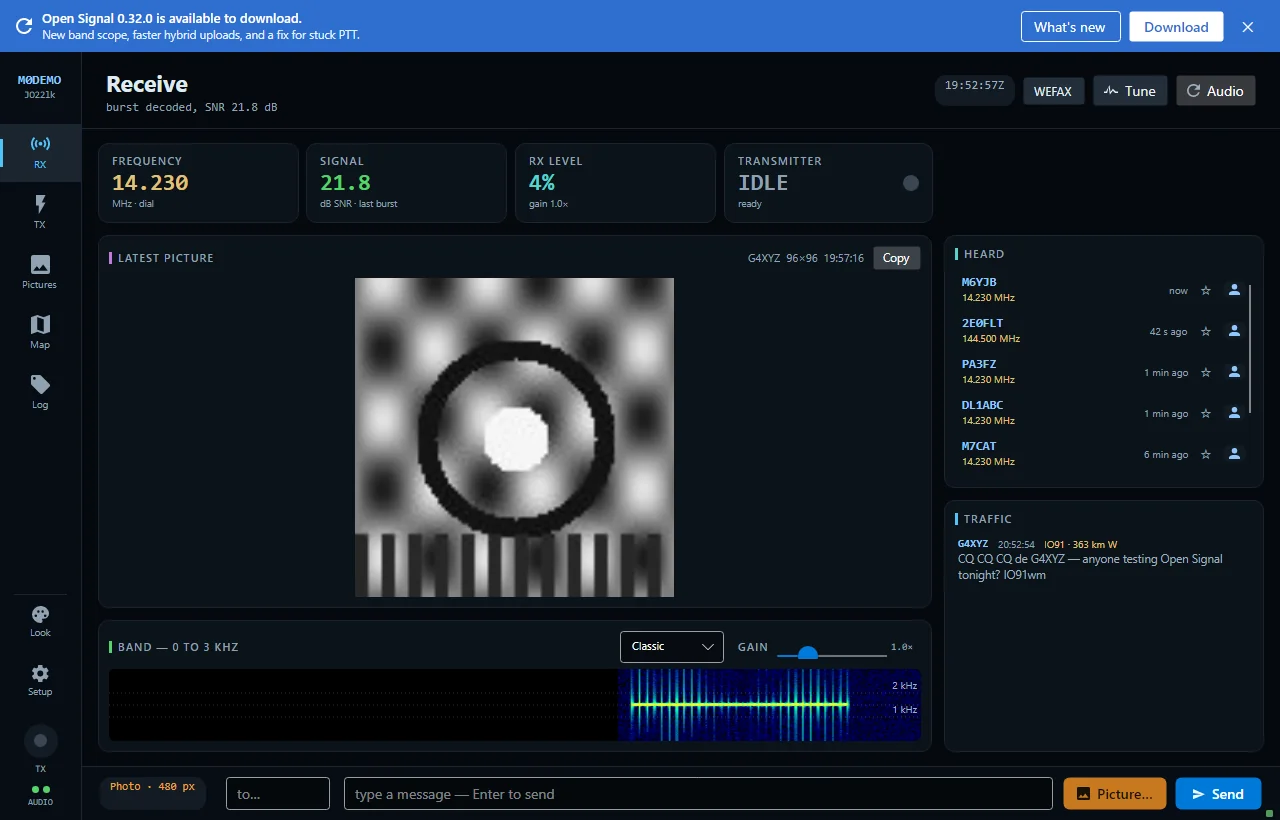
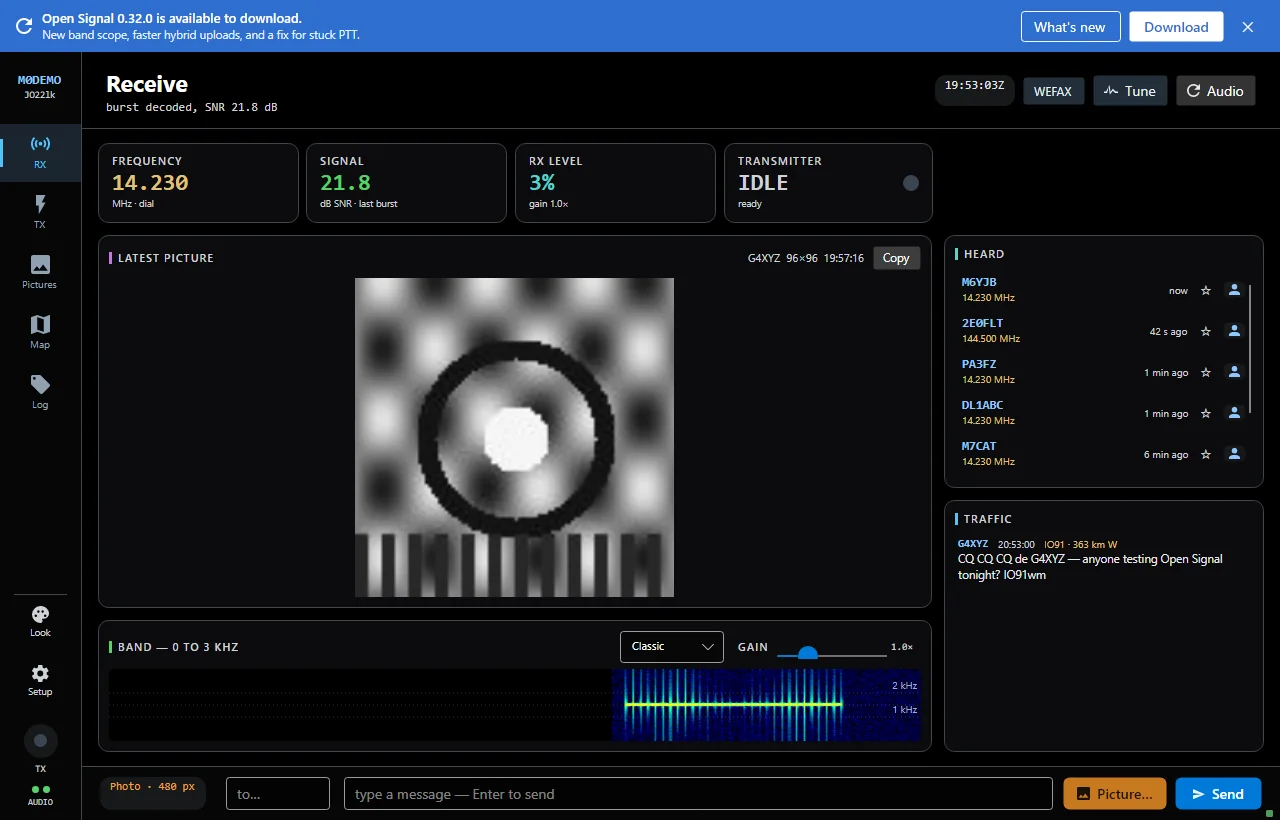
Four surface themes, independent of the accent:
- Dark — the default
- Midnight — deeper black
- Slate — warmer, lighter grey-blue
- High Contrast — pure black ground, brighter borders
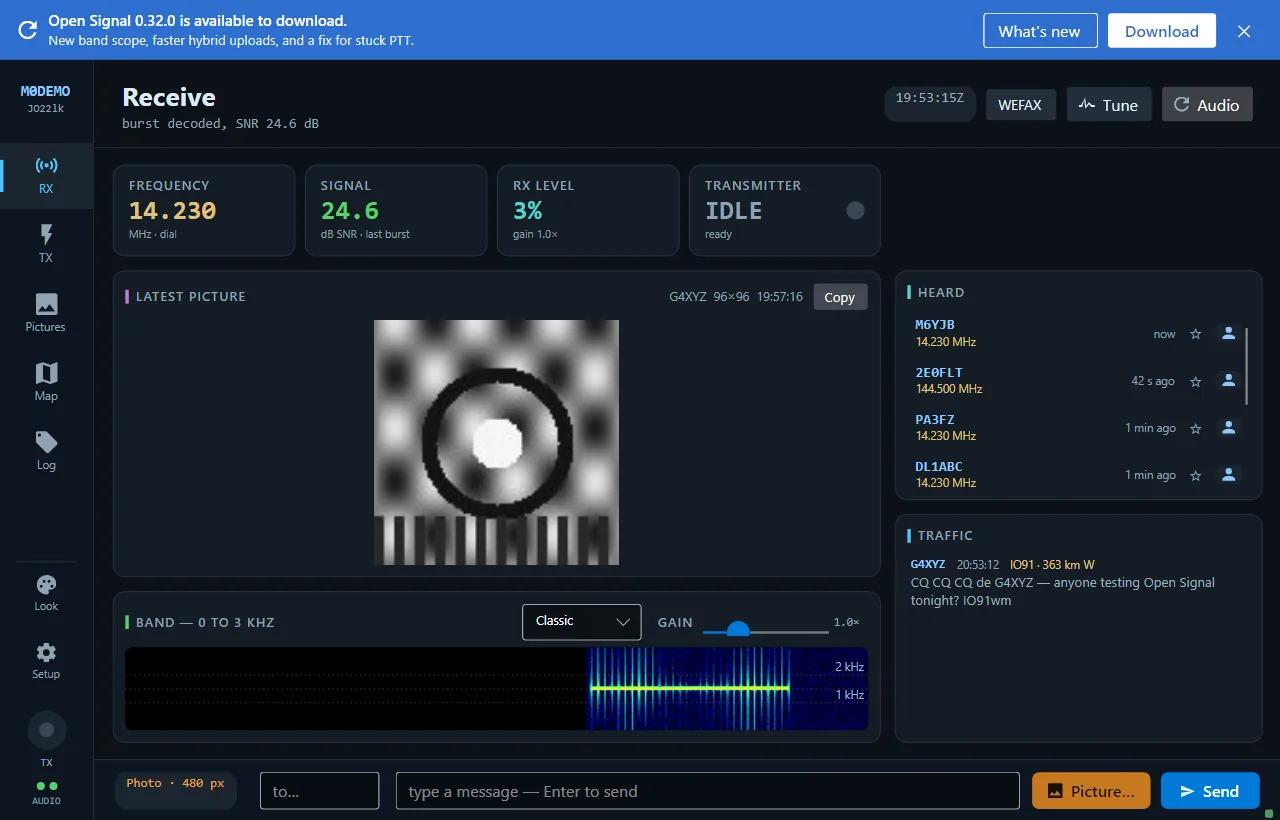
Text size
Compact, Default, Large or Extra large — scales the whole interface, text and layout together.
Notifications
Independent toggles for each pop-up: followed station on air, someone copied your picture, picture finished decoding, and the new-picture alert that fires when you’re on another screen.
Behaviour and defaults
Auto-switch to Receive when a picture starts arriving, identify every transmission, default gallery tab, and the waterfall palette — all here, all remembered.
New to Open Signal?
Start with the overview — what it does, the honest status, and how the pieces fit together.