DOCMaking it yours
Waterfall colour palettes
Classic, greyscale, thermal or aqua — pick the waterfall colour ramp your eyes read best, right from the BAND header.
The BAND display’s colour scheme is yours to pick — some eyes read heat colours better, some prefer classic blue.
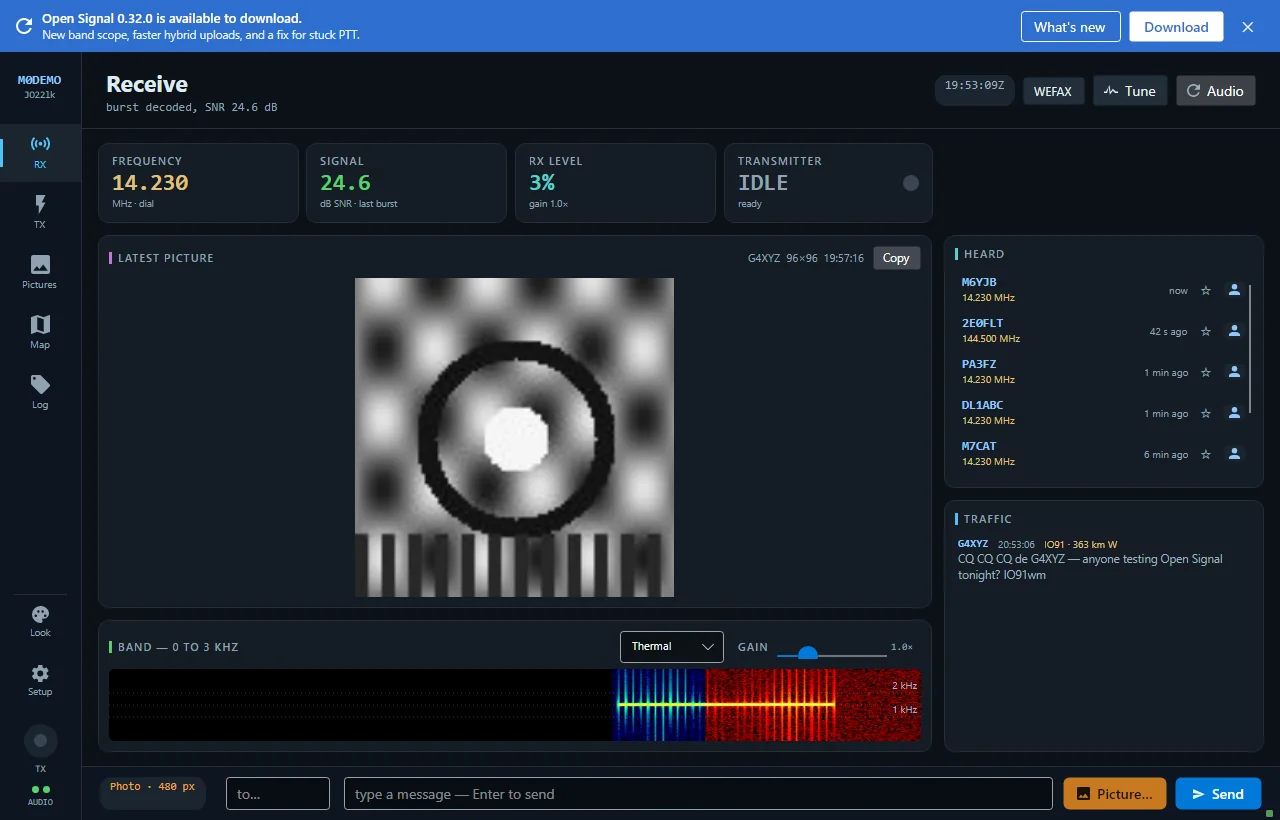
The palettes
| Palette | Ramp |
|---|---|
| Classic | blue → cyan → yellow → white |
| Greyscale | black → white |
| Thermal | black → red → yellow → white |
| Aqua | black → blue → cyan → white |
Where to change it
Right on the Receive screen — the dropdown in the BAND header — or in Personalise. The choice is saved.
A nice detail: changing palette recolours from the moment of the change as the waterfall scrolls; history keeps the scheme it was drawn with, so you can see exactly where you switched.
New to Open Signal?
Start with the overview — what it does, the honest status, and how the pieces fit together.