SSTV modes in Open Signal
Sending and receiving classic analogue SSTV with Open Signal: automatic VIS detection on receive, the supported families, and the on-air countdown on transmit.
Open Signal speaks classic analogue SSTV in both directions — the same modes MMSSTV and every other SSTV program use, so you can work anyone. For timings and details of every supported mode, see the SSTV modes reference.
Receiving
Nothing to configure. The VIS header at the start of a transmission announces the mode and the app switches to it automatically, painting the picture in as it arrives. If the sender disappears mid-picture, the partial is kept and the receiver frees itself after a few seconds.
Sending
Pick a family tab and a mode on the Transmit screen. Supported families:
| Family | Modes | Character |
|---|---|---|
| Martin | M1–M4 | The European classic; M1 is the safe bet |
| Scottie | S1–S4, DX | The other classic; DX for rough HF paths |
| Robot | 24/36/72 colour, B/W 8/12 | Fast; 36 s colour in Robot 36 |
| Wraase | SC2-60/120/180 | Less common, supported anyway |
| PD | PD50–PD290 | High resolution, two lines per sweep |
| MP / MR | MP73–175, MR73–175 | MMSSTV’s native narrow modes |
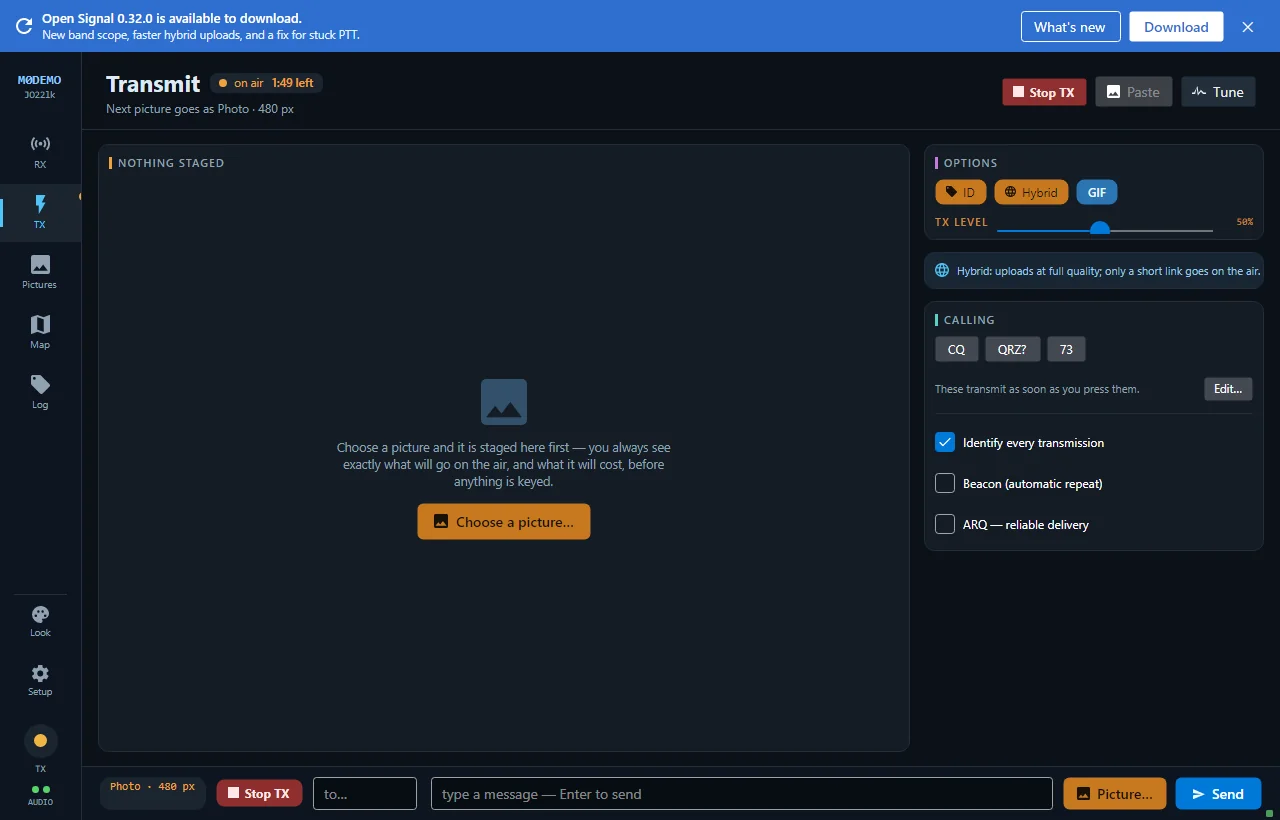
While an SSTV picture transmits, the header shows on air · time left counting down — SSTV plays out in real time, so a Scottie S1 picture is about 110 seconds, a PD290 nearer five minutes.
A note on quality
Analogue SSTV degrades gracefully: noise appears as streaks rather than lost pictures. For pixel-perfect delivery between two Open Signal stations, use Photo mode instead.
New to Open Signal?
Start with the overview — what it does, the honest status, and how the pieces fit together.